Network Commands Reference Guide – Cisco, Juniper & Huawei (500+ Commands Free PDF)
The ultimate free network commands reference guide for Cisco IOS, Juniper JunOS, and Huawei VRP — 500+ CLI commands, 40+ topic sections, and a cross-vendor comparison table in one professionally formatted PDF. Perfect for CCNA, CCNP, JNCIA, HCIA exam prep and daily network troubl
Whether you are preparing for a certification exam, troubleshooting a live production network at 2 AM, or onboarding onto a new project that mixes vendors, the single biggest time-sink is switching between three completely different CLI paradigms.
At IT.connect4techs.com, we built this document to solve exactly that problem. Instead of keeping three browser tabs open or flipping between vendor-specific guides, you get one clean, well-organized reference that covers all three platforms side by side.
💡 Why Every Network Engineer Needs This Reference
This guide is written for network engineers, system administrators, NOC teams, and students preparing for CCNA/CCNP, JNCIA, or HCIA exams. It provides:
- 3 Vendors Covered: Cisco IOS/IOS-XE, Juniper JunOS, and Huawei VRP.
- 500+ CLI Commands: Comprehensive syntax for every day tasks.
- 40+ Topic Sections: Organized by functional category for instant access.
- Unified Document: One professionally formatted source for multi-vendor environments.
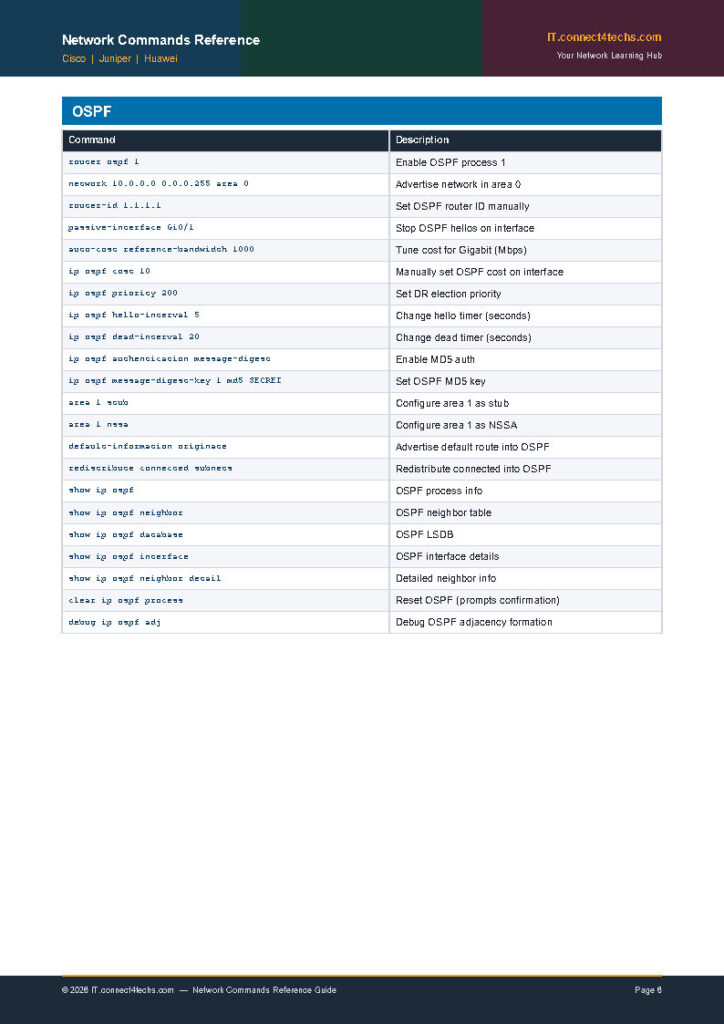
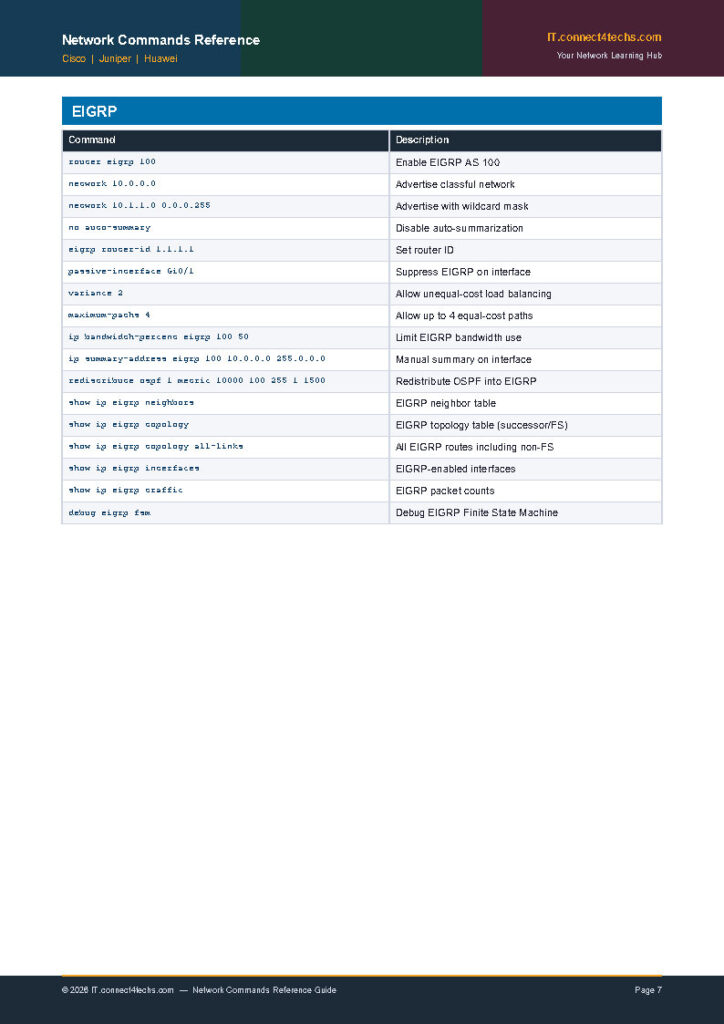
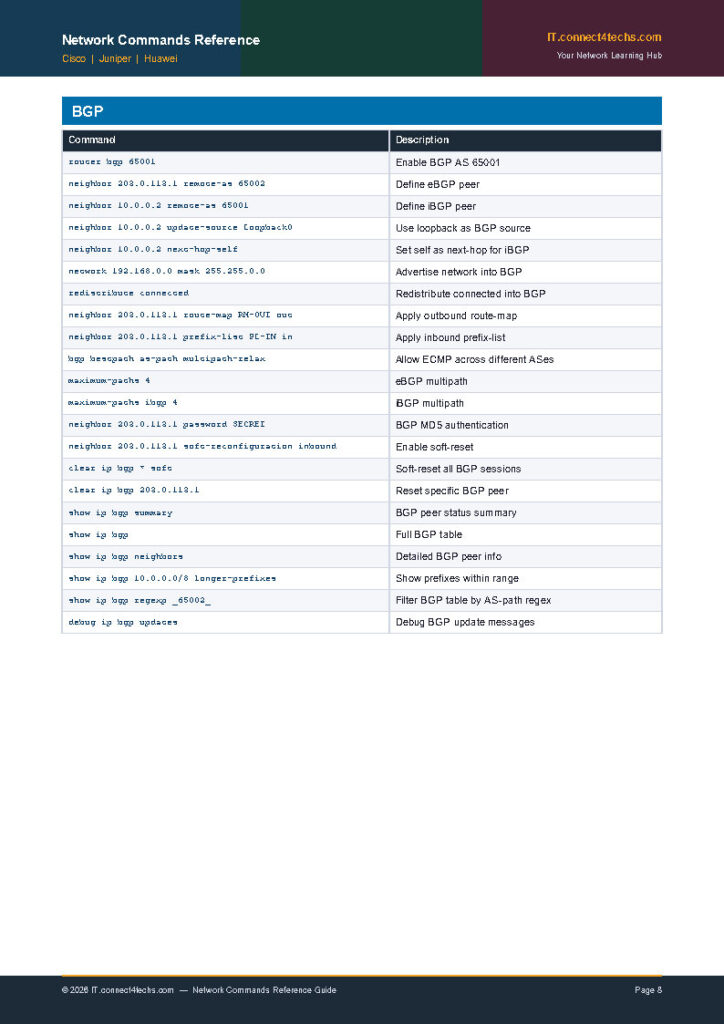
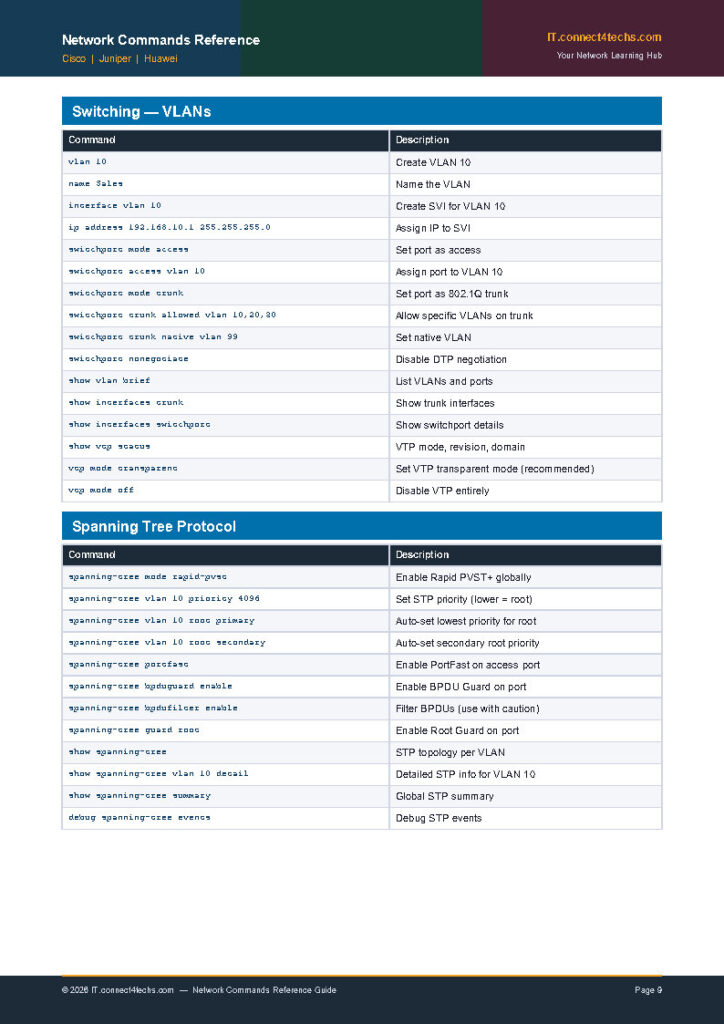
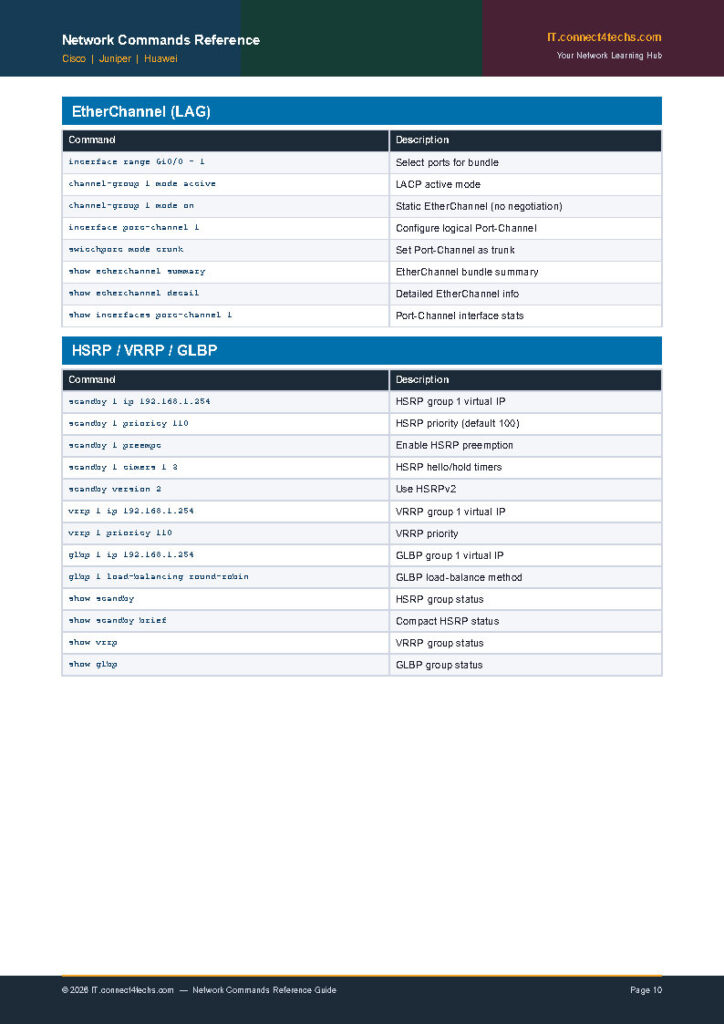
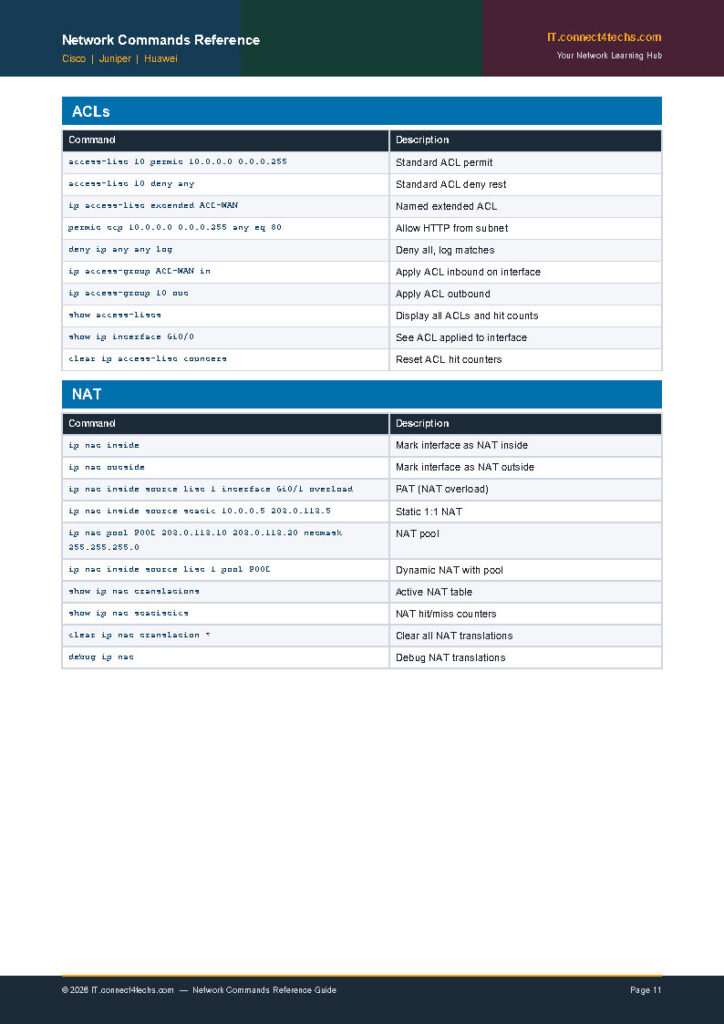
🛠️ What’s Inside — A Detailed Breakdown
The guide is divided into major vendor chapters followed by a cross-vendor comparison appendix:
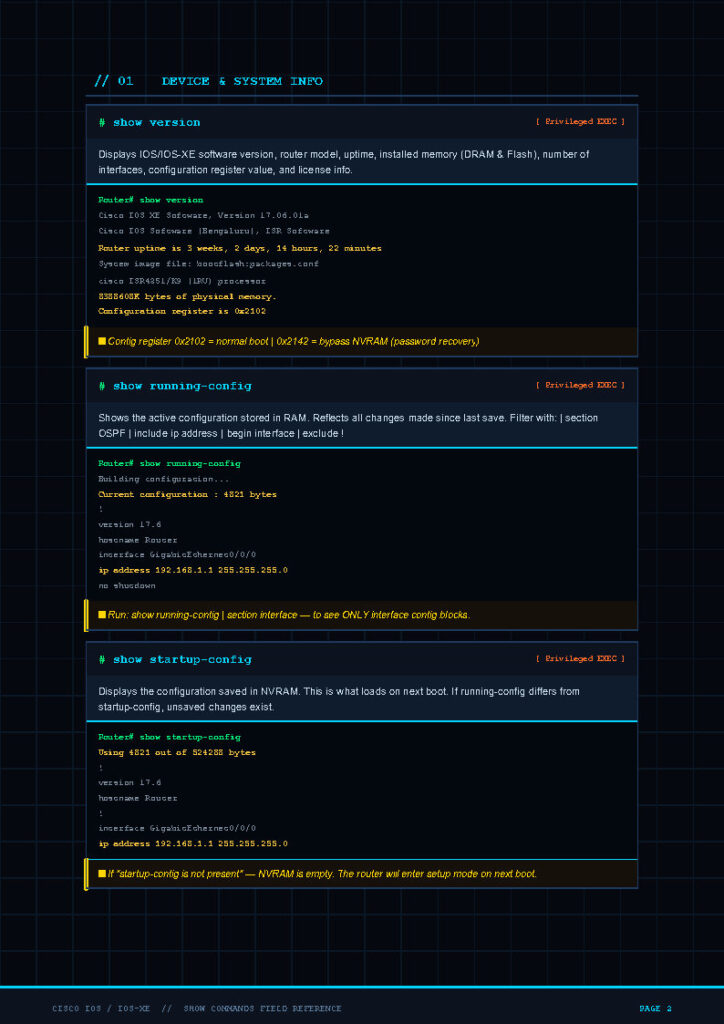
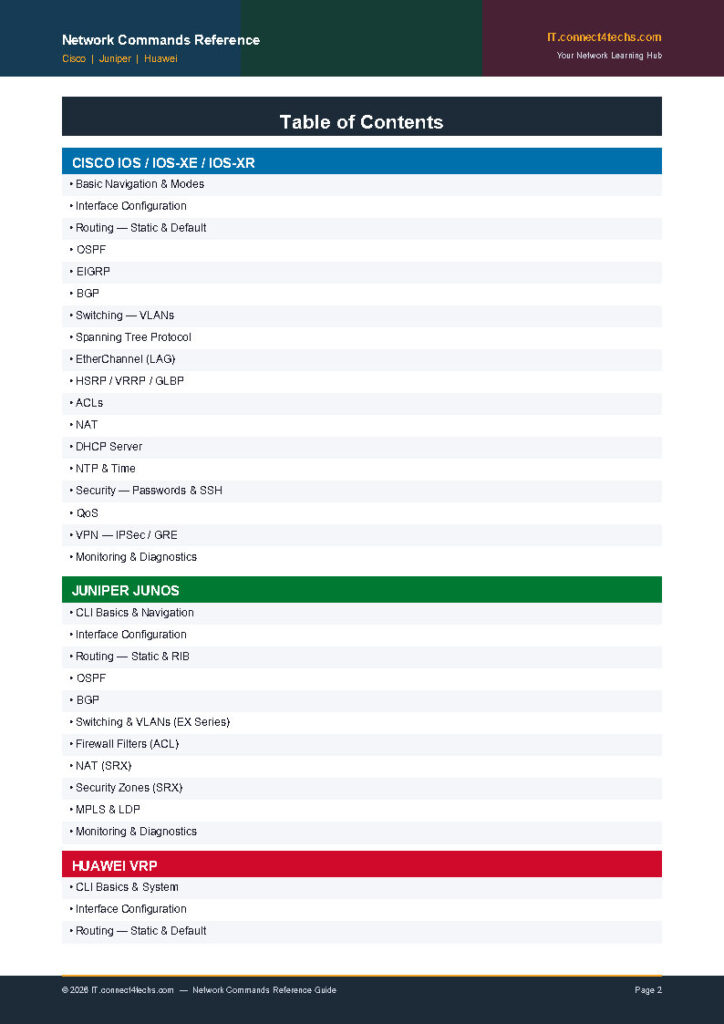
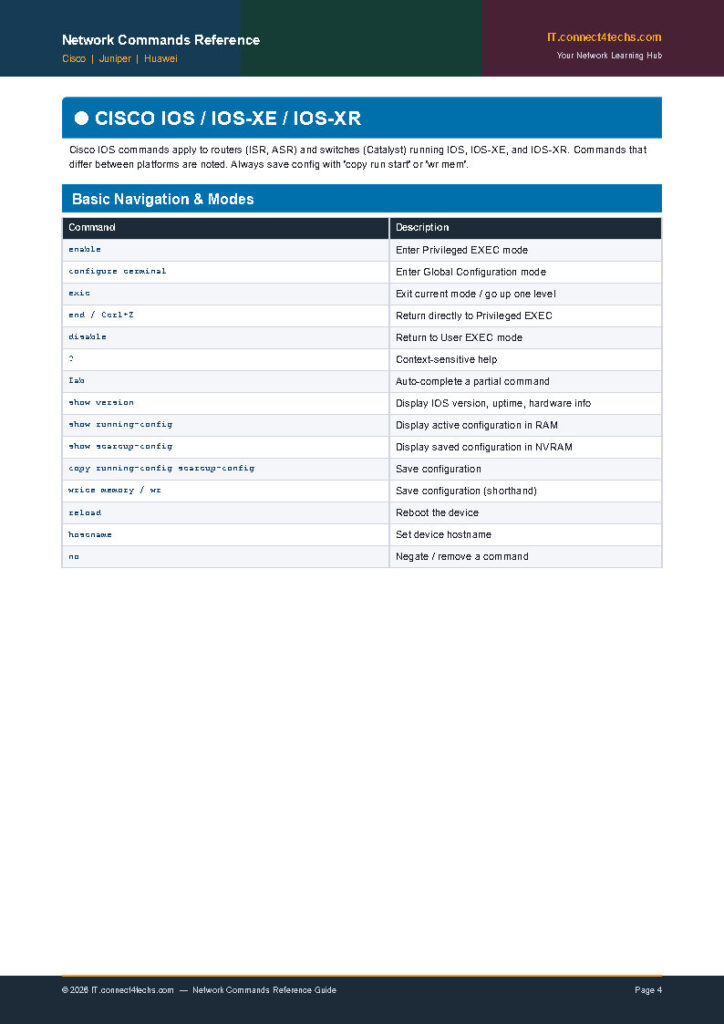
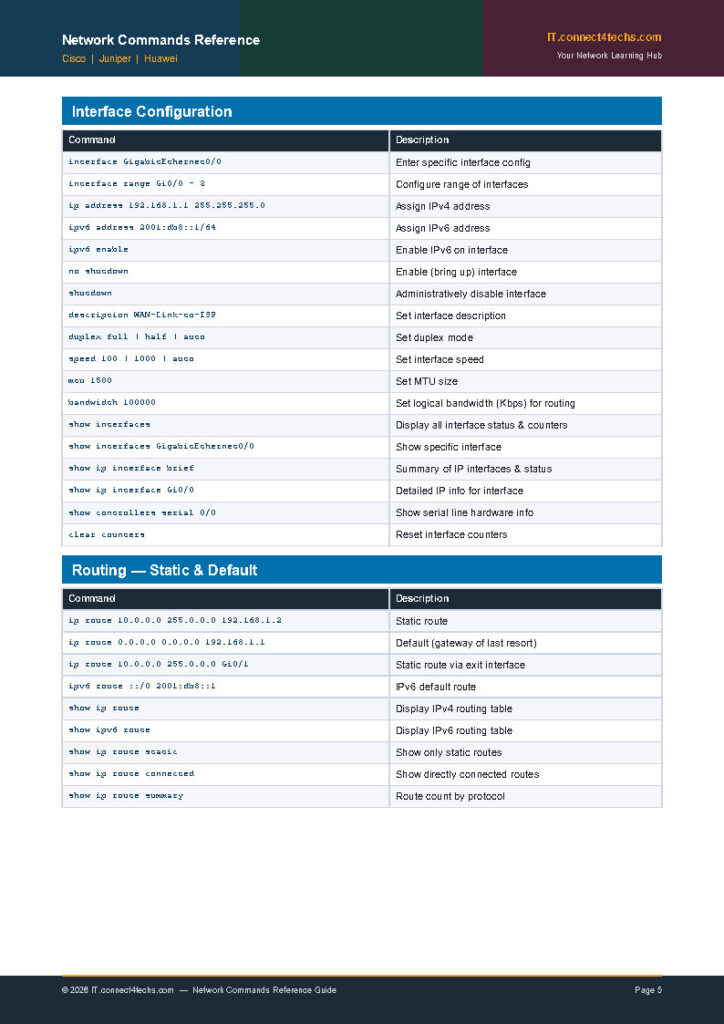
🔵 Cisco IOS / IOS-XE / IOS-XR
Includes basic navigation, Interface Configuration, Static Routing, OSPF, EIGRP, BGP, VLANs, Spanning Tree, ACLs, NAT/PAT, and VPN tunnels.
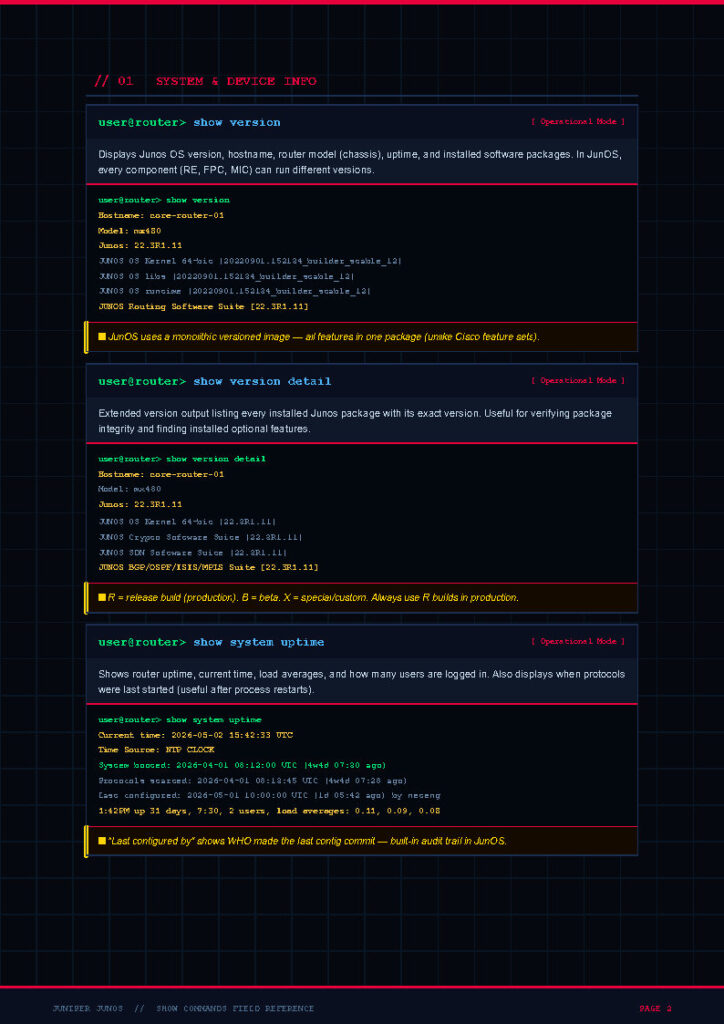
🟢 Juniper JunOS
Covers CLI basics and the Commit Workflow, Interface Configuration (MX/EX/QFX), Static Routing, OSPF with Policy Export, BGP Groups, and Firewall Filters.
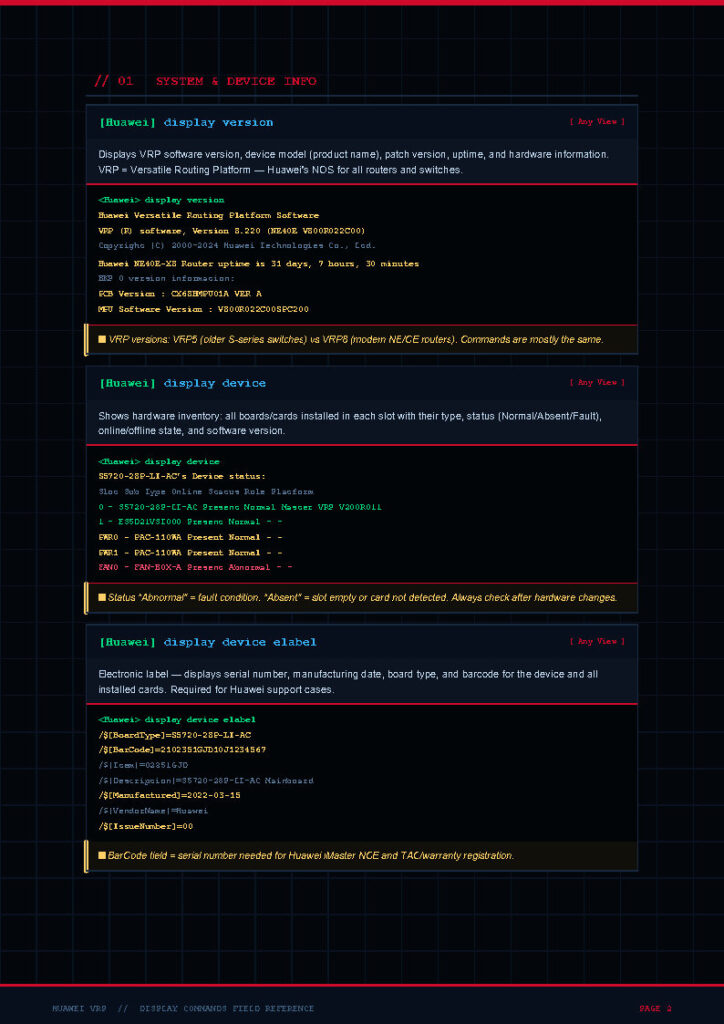
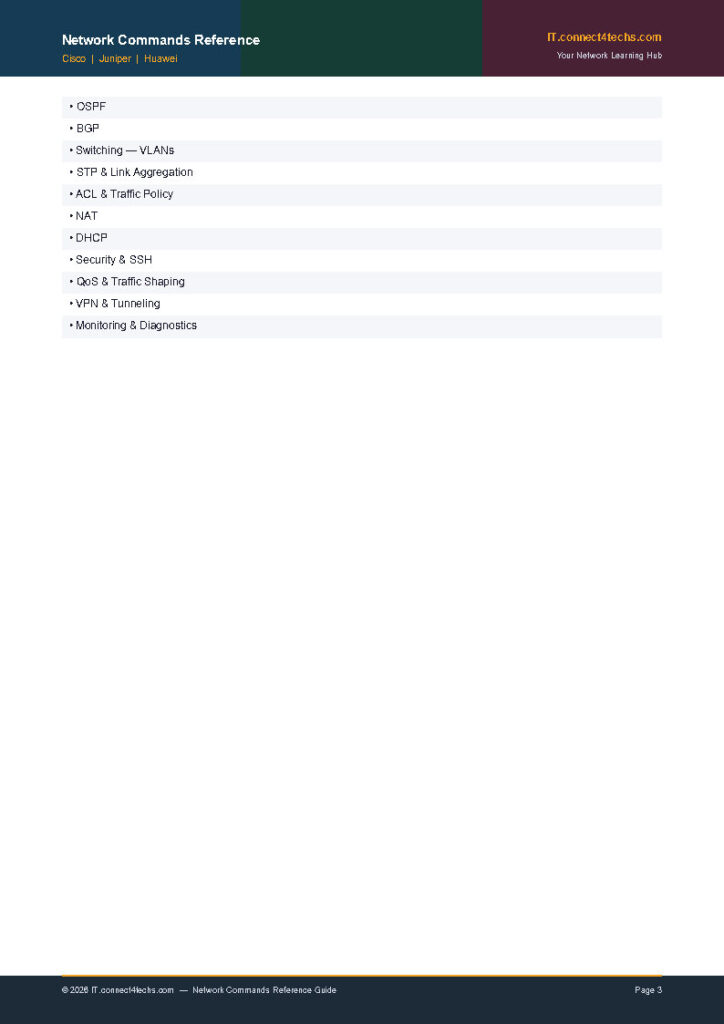
🔴 Huawei VRP
Covers System View Navigation, Interface Configuration (NE/S-Series), OSPF Area/Authentication, BGP Peer Groups, VLANs, STP, and Hardware Health Diagnostics.
📊 Quick Cross-Vendor Comparison Snapshot
Here is a sample of how the guide maps equivalent operations across platforms:
- Save Configuration:
- Cisco:
copy run start - Juniper:
commit - Huawei:
save
- Cisco:
- Show Interfaces:
- Cisco:
show ip int brief - Juniper:
show int terse - Huawei:
display ip int brief
- Cisco:
- Show Routing Table:
- Cisco:
show ip route - Juniper:
show route - Huawei:
display ip routing-table
- Cisco:
- Reboot Device:
- Cisco:
reload - Juniper:
request system reboot - Huawei:
reboot
- Cisco:
🚀 Six Reasons Engineers Keep This PDF Open
- Speed During Troubleshooting: Find the command in seconds when the network is down.
- Multi-Vendor Environments: Bridges the gap between different vendor equipment in one format.
- Certification Preparation: Makes revision dramatically more efficient for CCNA, JNCIA, or HCIA.
- Platform Migration: Identify equivalent commands instantly when moving from one vendor to another.
- NOC & Help-Desk Friendly: Allows non-specialists to run diagnostics and follow runbooks.
- Works Offline: A PDF works anywhere—even in data centers without internet access.
📥 Download the Reference Guide
[Download Free PDF - 500+ Commands]
- Format: High-resolution PDF.
- Access: No sign-up or login required.
- Cost: Free forever from IT.connect4techs.com.
Follow IT.connect4techs.com for more free networking resources, video labs, and technical articles.
Preview pages
Ready to start reading?
Free PDF · hosted on Google Drive